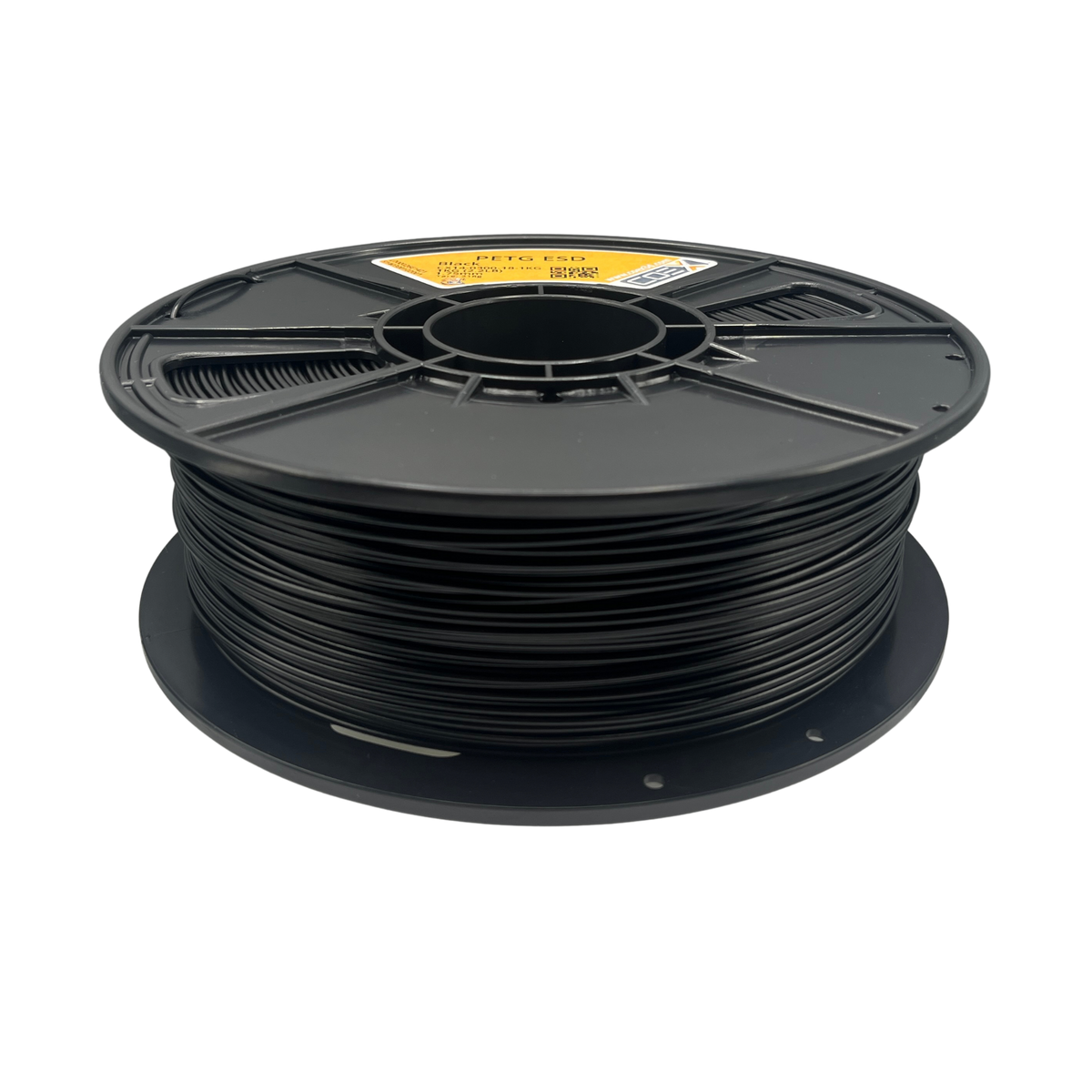
Black ESD PETG

HEX #000000TD .04

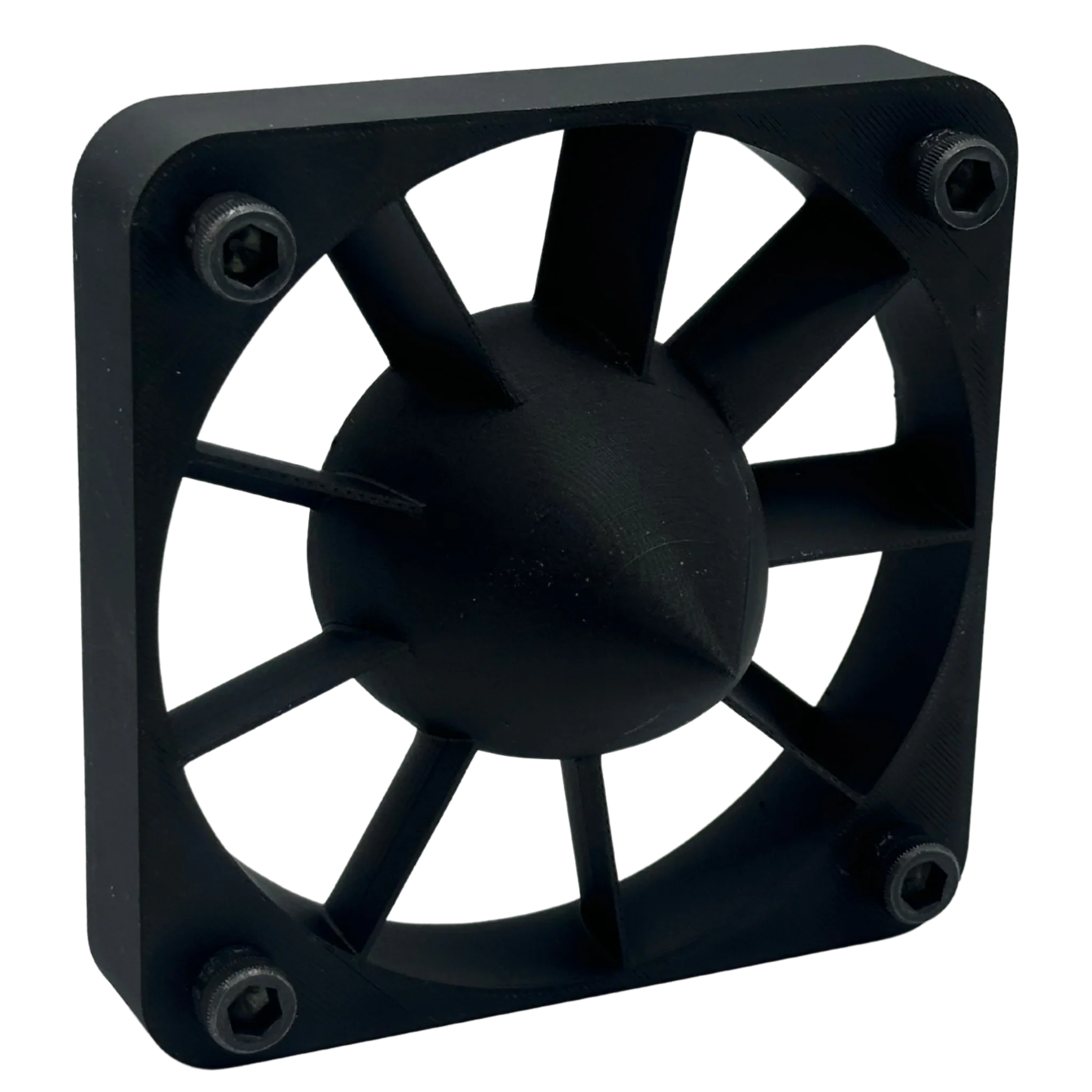
Black ESD PETG is a static dissipative 3D printing filament made by COEX 3D in Green Bay, Wisconsin. Use it to print parts that hold or touch ESD-sensitive electronics: assembly fixtures, component trays, PCB jigs and protective housings. The compound's manufacturer lists a typical surface resistance of 104 Ω.

It's PETG compounded with carbon nanotubes, which make it static dissipative. It keeps PETG's easy printability, chemical resistance, layer adhesion and dimensional stability, and needs no heated chamber, so it prints on standard desktop setups.

Typical uses

  • Electronics assembly: component trays, PCB fixtures and jigs, protective housings
  • Industrial tooling: conveyor guides, pick-and-place tooling, automated line components
  • ESD packaging: custom transport cases, enclosures and guards for sensitive devices

Typical properties

Property Value Test method
Surface resistance 104 Ω Manufacturer's internal method
Specific gravity 1.29 ASTM D792
Tensile modulus 2,000 MPa ASTM D638
Tensile strength 52 MPa ASTM D638
Elongation at break 12% ASTM D638
Flexural modulus 1,400 MPa ASTM D790
Flexural strength 62 MPa ASTM D790
Izod impact, notched 34 J/m ASTM D256
Izod impact, unnotched 2,200 J/m ASTM D256
Heat deflection temperature at 0.45 MPa 70°C ASTM D648
Heat deflection temperature at 1.8 MPa 64°C ASTM D648

Typical values for injection-molded samples, per the compound manufacturer's preliminary data sheet; not ratings of a finished printed part. How a printed part performs depends on its geometry, wall thickness and print settings, so test parts for your application.

Printing notes

  • No heated chamber needed.
  • The carbon nanotube additive is abrasive. Use a hardened steel or other wear-resistant nozzle.
  • PETG bonds very strongly to glass and smooth PEI. Use a release agent such as a glue stick or WELD3D, or the print or the build plate can break when you remove it.
  • PETG absorbs moisture. Store it sealed with desiccant. If you hear popping, dry it: the compound manufacturer specifies 4–6 hours at 60°C.

Specs

  • Material: PETG compounded with carbon nanotubes
  • ESD classification: static dissipative, 104 Ω typical surface resistance
  • Diameter: 1.75mm, ±0.03mm
  • 1.75mm spools: 1kg
  • Vacuum-sealed with desiccant
  • Made in Green Bay, Wisconsin, USA

Print settings · Slicer profiles · Technical data sheet · Safety data sheet

COEX PETG print settings

Print COEX PETG with a 240–265°C nozzle and a 70–90°C bed, with the fan at 40–70% (off for the first layer), and dry it at 65°C for 4–6 hours. An enclosure is recommended.

These are COEX 3D's recommended starting settings, made to match the COEX 3D filament settings tables for every filament we make in Green Bay, Wisconsin. Treat each value as a starting point and adjust it for your printer.

1. Material notes

  • Keep filament dry: store it sealed, and dry it again only after the spool has been exposed to air
  • Dry an opened spool at 65°C for 4–6 hours
  • An enclosure is recommended
  • Use a Z-offset slightly higher than for PLA (+0.05mm)
  • Enable "Avoid crossing perimeters" to reduce stringing
  • Consider using the "Wipe while retract" option
  • Enable "Slow down for small perimeters"
  • Print outer walls slower for better quality
  • Use a minimum layer time of 30 seconds for small parts
  • Increase cooling gradually after the first layer
  • Consider using "Extra Prime Amount" after retraction

2. Temperature settings

Nozzle temperature: 240–265°C

Bed temperature: 70–90°C

  • Wash the bed often for good adhesion: use dish soap and rinse thoroughly to remove oils
  • Bed adhesion: use a glue stick or hairspray as a release agent, or WELD3D. PETG and PCTG bond very strongly to glass and smooth PEI, so a release agent protects both the print and the plate
  • Use a brim for tall or large prints
  • Keep the ambient temperature stable

3. Basic parameters

COEX PETG basic parameters by nozzle size
Nozzle Layer height Line width Max volumetric speed Nozzle temperature
0.4mm 0.2mm 0.42mm 14.0 mm³/s 240°C
0.6mm 0.3mm 0.62mm 31.5 mm³/s 240°C
0.8mm 0.4mm 0.82mm 56.0 mm³/s 240°C
1.0mm 0.5mm 1.02mm 87.5 mm³/s 245°C

4. Speed settings

0.4mm nozzle (max volumetric speed 14.0 mm³/s)

COEX PETG speeds for a 0.4mm nozzle
Line type Percentage Speed
External perimeter 50% 83.33 mm/s
Internal perimeters 75% 125.00 mm/s
Infill 100% 166.67 mm/s
Top/bottom 60% 100.00 mm/s
First layer 30% 50.00 mm/s

0.6mm nozzle (max volumetric speed 31.5 mm³/s)

COEX PETG speeds for a 0.6mm nozzle
Line type Percentage Speed
External perimeter 50% 84.68 mm/s
Internal perimeters 75% 127.02 mm/s
Infill 100% 169.35 mm/s
Top/bottom 60% 101.61 mm/s
First layer 30% 50.81 mm/s

0.8mm nozzle (max volumetric speed 56.0 mm³/s)

COEX PETG speeds for a 0.8mm nozzle
Line type Percentage Speed
External perimeter 50% 85.37 mm/s
Internal perimeters 75% 128.05 mm/s
Infill 100% 170.73 mm/s
Top/bottom 60% 102.44 mm/s
First layer 30% 51.22 mm/s

1.0mm nozzle (max volumetric speed 87.5 mm³/s)

COEX PETG speeds for a 1.0mm nozzle
Line type Percentage Speed
External perimeter 50% 85.78 mm/s
Internal perimeters 75% 128.68 mm/s
Infill 100% 171.57 mm/s
Top/bottom 60% 102.94 mm/s
First layer 30% 51.47 mm/s

5. Retraction settings

Important: Set travel speed to the maximum your machine allows (200–500mm/s). Faster moves give the filament less time to ooze, which reduces stringing.

COEX PETG retraction by nozzle size
Nozzle Distance Speed Z-hop
0.4mm 1.0–1.5mm 40mm/s 0.2mm
0.6mm 1.0–1.5mm 40mm/s 0.2mm
0.8mm 1.0–1.5mm 40mm/s 0.2mm
1.0mm 1.0–1.5mm 40mm/s 0.2mm

6. Cooling settings

Fan speed settings:

  • First layer: 0% (fan off)
  • General printing: 40% fan speed
  • Bridges and overhangs: 70% fan speed
  • Layers under 30 seconds: 70% fan speed

Advanced settings:

  • Keep fan always on: yes
  • Force fan speed for overhangs: yes
  • Minimum layer time: 30 seconds
  • Force fan speed for small perimeters: yes

Additional cooling notes:

  • Increase fan speed gradually after the first layer
  • Increase fan speed for small, detailed parts
  • Reduce fan speed for better layer adhesion if needed
  • Watch overhang and bridge quality and adjust fan speed to suit

7. Troubleshooting

COEX PETG troubleshooting
Problem Solution
Irregular extrusion
  1. Dry the filament
  2. Check the extruder
  3. Reduce speed
Poor adhesion
  1. Dry the filament
  2. Use an adhesive
  3. Adjust the first layer
Stringing
  1. Dry the filament
  2. Adjust retraction
  3. Increase travel speed
  4. Check temperature

Please note: These printing parameters are initial recommendations based on our experience. They may need adjustment for your specific 3D printer, environmental conditions and the geometry of the part you are printing. Use them as a starting point and fine-tune them for your needs.

Black ESD PETG

SKU: CX14-0300-18-1KG
No reviews

Diameter: 1.75mm
Weight: 1kg
Price:
Sale price$90.00
Stock:
Stock: 21

You may also like

Recently viewed